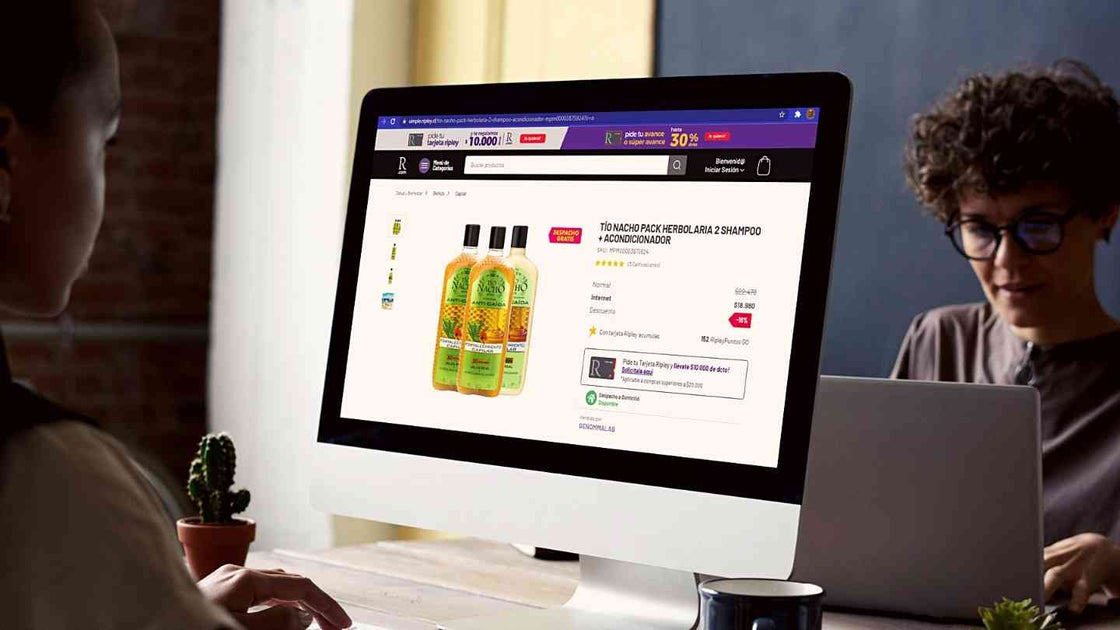
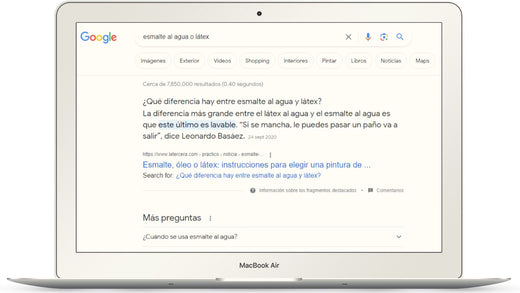
Image search is increasingly used; many people search on Google with keywords and then review the image results or directly upload a photo to find similar products. That's why it's important to consider these aesthetic and optimization tips so that your product's visual content ranks high in search results.
Out of all Google queries, 20% are image searches, mostly originating from mobile devices, as visual searches are 12.5 times more frequent on them compared to desktop devices.
According to different user studies:
Image ranking is easier because there are fewer competitors, making it a good complement to
your product SEO or website SEO. So, if you haven't ranked well for written content, you can improve your image optimization to be more visible in your potential customers' searches.
<p>
-
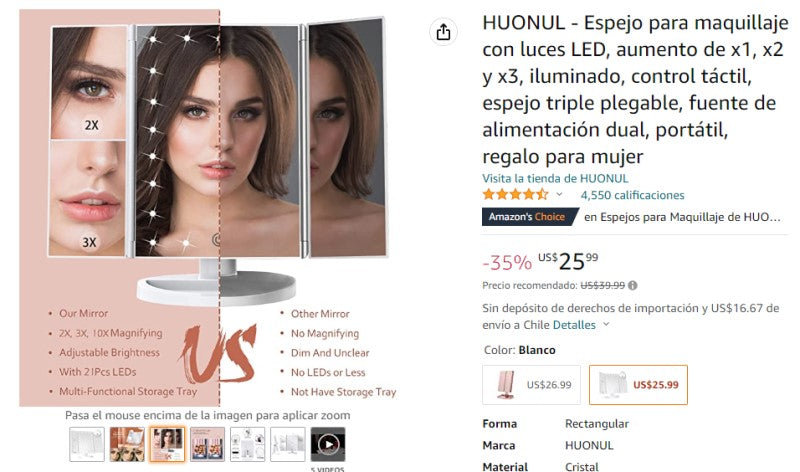
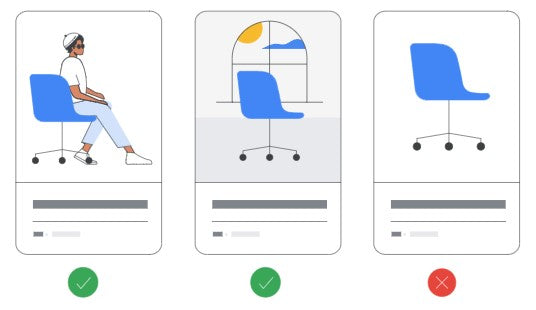
Original and high-quality: It's always best to take your own photographs to have unique content, showing details that complement the product description. They should be attractive, using a background that highlights the product, and with good resolution and lighting.
-
Show product features and elements: Images should match the information you provide about your product, clearly showing its particularities or details to highlight, even representing the real experience of textures, size, or inspiration for its use.
-
More photographs: Use several photographs to show different angles of the product; a good number of images will build more trust and help the customer make a better decision.
-
Name the file with keywords: Before publishing an image, you must change the file name to one that contains keywords describing the photograph. This is essential for them to be found in image search. You should use keywords separated by underscores, for example: "pink_gaming_chair.jpg".
-
Encourage sharing of your images on other pages, websites, or social media (Pinterest is the most recommended). Google values this action, especially if you are mentioned and linked. But be careful not to have them stolen.
-
Original images: This is not just an aesthetic matter; it's important that your photographs are classified in the main SERPs. If your images are duplicated on other sites, the one considered the primary author will benefit, so you must have your own images and ensure they are not used by others without acknowledging your authorship.
-
Protect your images against theft: This happens frequently, and if a more optimized site uses your images without permission, you will lose the resources used to create them, and you will also help a competitor with their sales.
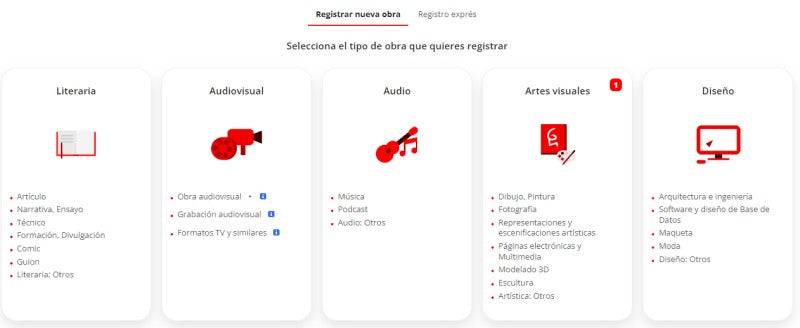
You can add copyright to your images by registering with Safe Creative. It offers the option to register twenty works with Creative Commons for free.
To indicate image ownership, add:
- Author, artist, or creator name.
- Link to copyright license and its description.
- Link to the website where the image was taken.
If others copy the photograph, they will do so with its code, and
Google will recognize its real owner, giving them preference. You can also add a watermark or transparent overlay on the image, use low resolutions and small sizes, or disable the right-click button on your website.
-
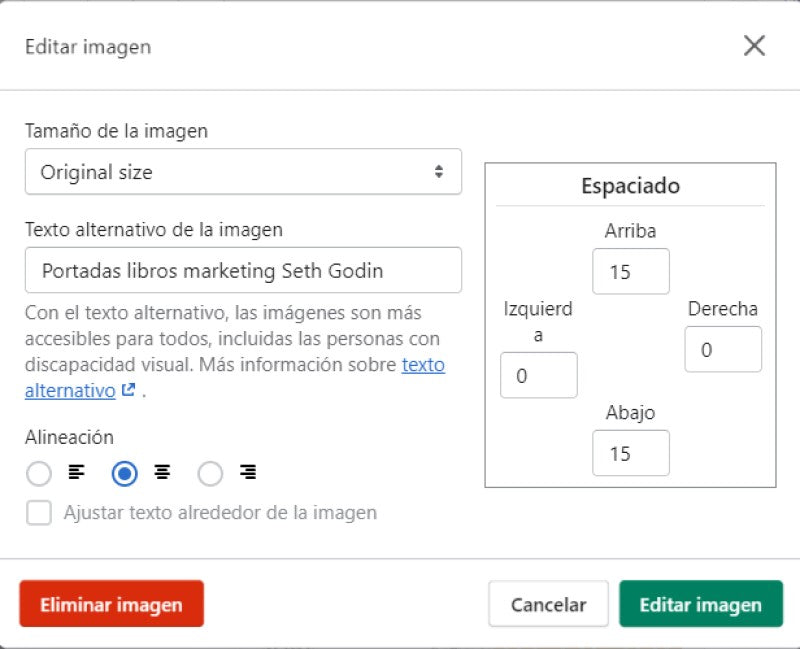
Add the ALT attribute (alternative image text): You should provide a short and simple description of the image using keywords, both to aid in ranking and to facilitate access to your content for people using screen readers.
If you have several photos of the same product, add words describing the differentiating characteristics of that image in the description, because each ALT attribute must be unique.
-
Add the lifestyle image link: Google has incorporated a new relevant attribute for ranking. Now, when uploading product images, it will be important to add a special link to those showing real and everyday contexts, which the search engine will prioritize when displaying products in the results.
Image from Google Merchant Center.
-
Dimension your image: It's best to upload photographs from the beginning with the sizes required by the site for perfect viewing. While most content managers have tools to resize and adapt them, this action slows down the image loading process.
-
Reduce file size: Another characteristic that influences your site's loading time is the image file size, so you should reduce them without making them too small: about 72 pixels is good, and save them in JPEG format. You can use Canva.com for this, and remember to apply it to all images on your site (posts, logos, banners, etc.).
-
Create an image sitemap: This is a website page created in XML format (similar to HTML) that contains the URLs of all images on the site. This facilitates Google's discovery of photographs and their ranking in image search.
-
Host images on a CDN: CDN stands for Content Delivery Network, and it consists of groups of servers distributed in various locations around the world. By hosting images on them, you allow your site's images to be delivered from the closest location, regardless of the user's distance, thereby reducing the page loading time.
-
Enable lazy loading: This ensures that when a user enters a site, files are only loaded as they navigate, which also significantly helps reduce loading time and doesn't waste time on parts of the site that won't be seen.
-
Beware of broken internal and external images: Fix images that are not displayed; you can perform an SEO audit of the site on Ubersuggest.
Article by Camila Oliva.