When designing a website or a digital product, we face the challenge of creating an information architecture centered on users and how they expect to find products. In e-commerce, one way to increase conversion is by improving navigation, and one of the levers of an appropriate navigation system is the ease of finding products through different categories and subcategories.
At FREED, we have analyzed and/or audited more than 200 websites and have found that navigation is often a problematic area.
In this sense, if we want to discover users' views on our website's content and where they think each element would be best placed, we can use the technique of card sorting, one of several UX research methods available.
What is card sorting?
Card sorting is a UX user research technique used to design the information architecture (IA) of an information system. It allows us to investigate mental models and users' ideas regarding the content structure of the system; typically, this is a website, but it could also be a collaborative work interface, a mobile application, or a SaaS product.
For example, let's say we are designing an e-commerce website and have the following product types:
Decorative rugs.
Hallway rugs.
Bed throws.
Bathroom rugs.
Wool rugs.
Modern rugs.
Traditional rugs.
Living room rugs.
Oriental rugs.
Children's rugs.
Doormats.
A crucial question is: should we organize these products into categories and subcategories? And if so, how? Categories and subcategories are fundamental in e-commerce, as they facilitate navigation.
The interesting thing about card sorting is that it allows us to use people's language to build navigation and thus avoid potential biases we might have as experts or people very close to the industry.
Get our analysis in your inbox
Subscribe to the FREED newsletter: applied research, trends and tools.
No spam. Unsubscribe anytime.
When to conduct card sorting?
Card sorting can be performed:
In the design stage of a complex website navigation menu. Regarding this, one thing to consider is that it's difficult to say how many web pages warrant a card sort; there's no exact number, and it obviously depends on each project. But we can assume that for a site with 8 to 10 pages, it's probably not necessary; whereas for a large e-commerce site with 5 or 6 categories and several subcategories, it might be pertinent.
In stages of creating or changing category labels (tagging).
In the organization of navigation paths.
When we need to verify or test the information architecture.
In UX Research projects, when we deem it appropriate to investigate any other necessary input to meet user expectations with the digital product.
How to do card sorting?
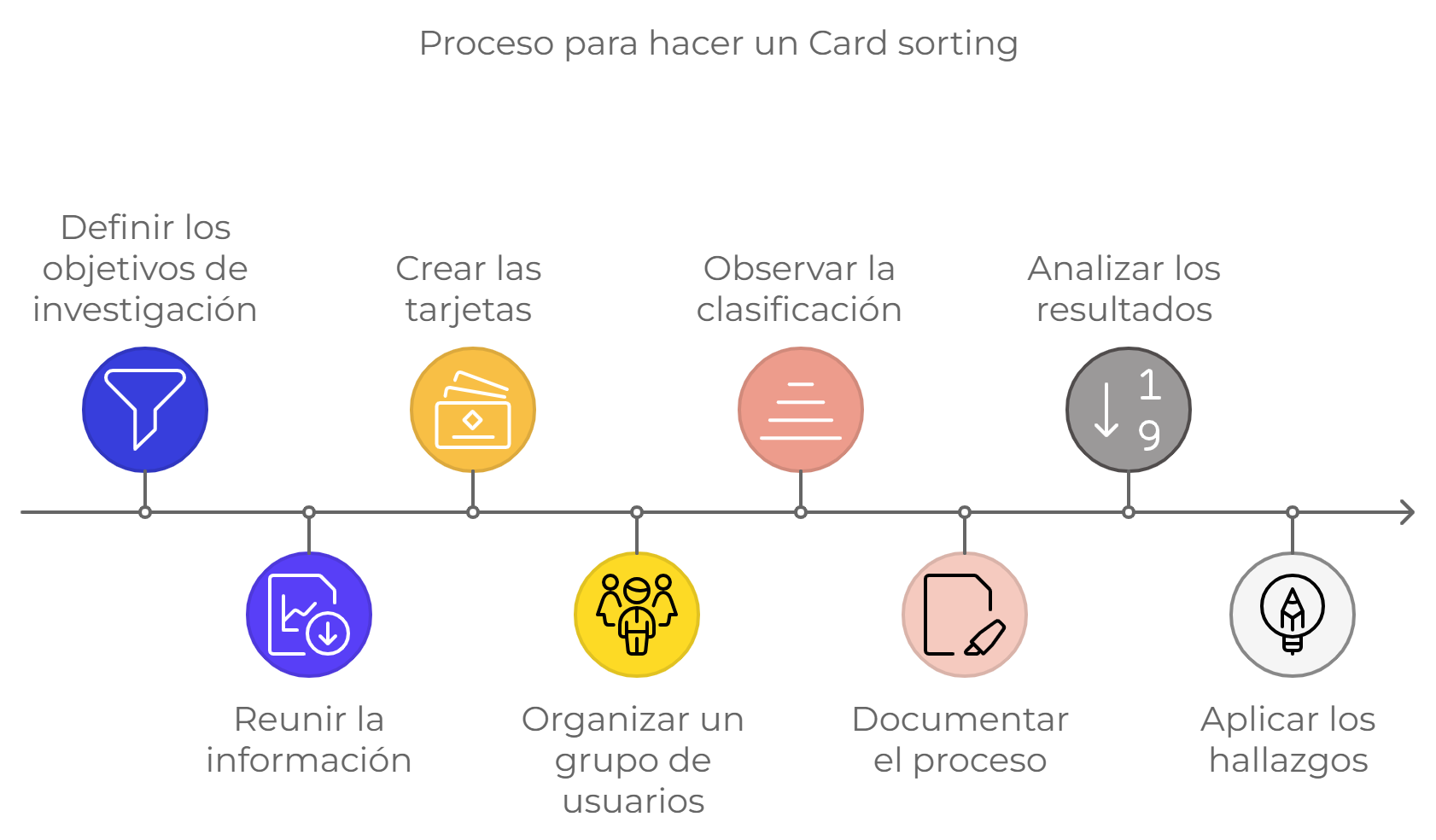
This is a simple step-by-step guide to conducting card sorting, which you can apply in the design of a digital product:
Define the objectives of the user research. In the example above, the objective would be: to create the content tree of an e-commerce website, defining product categories and subcategories.
Gather the information you need to organize. For example, the complete list of product types.
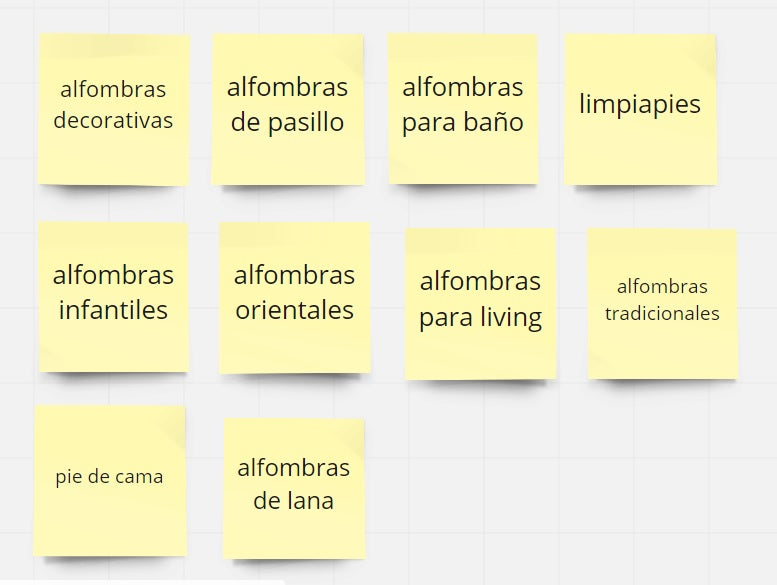
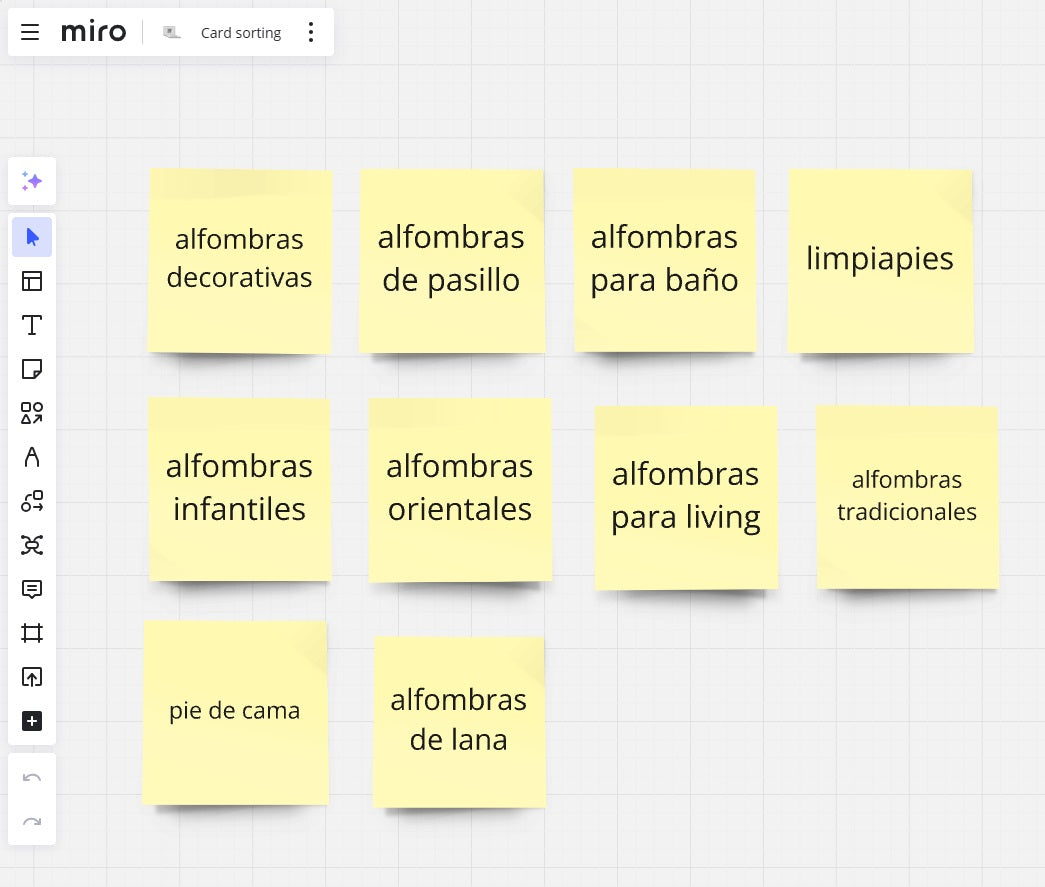
Create cards representing each of the product's contents, as shown in Figure 1.
For example: the information we need to organize in an e-commerce must be labeled on unique cards representing each product and associated content. Then, the cards should be organized into categories, subcategories, and/or themes.
Depending on the type of card sorting, this classification exercise can be performed by the researcher or by users during the session.
Gather a group of users to organize the cards. Norman Nielsen, a reference in interface design and user experience design, recommends recruiting 15 people for low- and medium-complexity projects, and 30 people for large-scale projects. If the sessions are in-person, you should keep groups small, as otherwise, activities will be somewhat chaotic.
Observe the card classification and the process with your users: their comments, impressions, what makes sense to them, their doubts, etc.
Save evidence of the process. If it's an in-person activity, take photos of the groups created by users. If it's remote, it will be easier since the application will automatically save the groupings (if you want a backup of the process, you can record the screen).
Analyze the results of the process and the findings because they should guide the information architecture of your product.
Consider that this process will be very valuable at the beginning of your project, but you can also apply it in later stages, such as in continuous improvement or redesign projects. In fact, card sorting is very common in redesign projects for large e-commerce portals. Over time, interfaces become complex as the teams managing the websites permanently add new pages.
Figure 1: examples of cards for a rug e-commerce.
Types of card sorting
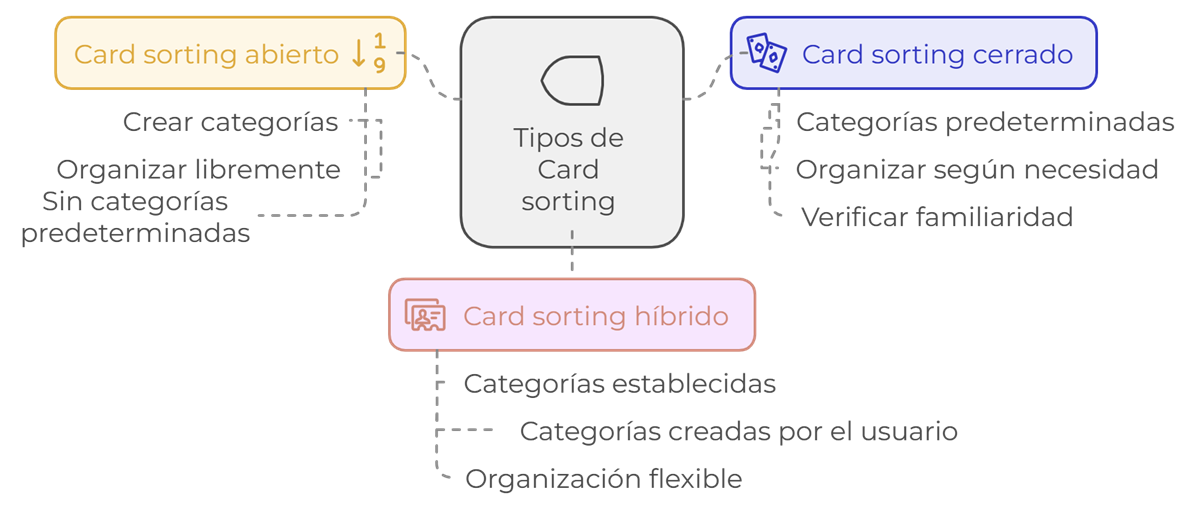
So far, we have discussed the definition and how to conduct card sorting, but it is also important to clarify that there are 3 types to consider in our UX Research card sorting plan.
1. Open card sorting:
Users can create the categories they deem necessary.
Users group, organize, and name categories freely.
There are no predetermined categories, and the goal is to discover which type of category classification would be most appropriate to use.
2. Closed card sorting:
Categories are predefined and labeled.
Users must organize each category into the group they believe is necessary.
This type of card sorting is recommended to verify if an information classification is familiar and understandable to the user.
3. Hybrid card sorting: Refers to a combination of the previous two, meaning we have established categories beforehand, and users can also create other categories they deem necessary.
Depending on the participation modality, a card sorting session can be in-person or remote.
On the other hand, depending on the type of participant, the session can be internal (when participants are collaborators) or external (when participants are clients and users of the interface).
Difficulties of card sorting
As with any usability and user experience (UX) project, it is quite common to encounter the following difficulties:
Interpreting the results, particularly for a junior consultant or someone without much experience with the technique, can be a complex task.
When working in more creative fields where statistics are rarely used, seeing a dendrogram is not that common, is it?
Common mistakes in card sorting
Too many cards: asking users to sort too many cards can create a significant cognitive load, leading people to abandon the task (if it's an online card sorting session) or not pay attention to differences and classify them too quickly.
Choosing the wrong target group, i.e., testing with people who are not representative of our target audience. For example, for a rug e-commerce, it would be much more pertinent to conduct card sorting with people who buy home decor products, rather than with our internal team. On the other hand, if we want to design a collaborative work interface for our internal team, it makes sense to invite our collaborators.
Thinking that card sorting will solve the structure of an e-commerce or, worse, the entire information architecture (IA). Card sorting should inform this process, but we cannot expect the structure, navigation, or IA to resolve itself.
Biases that can arise from poorly defined labels (cards) in closed card sorting, such as cards that contribute little to the classification of the main topic. For example, it would not make sense to add cards like "home" or "contact" to the rug cards we gave in the first example, as these represent pages of an e-commerce.
Not correctly systematizing an in-person card sorting or only keeping photos of the card groupings without transferring them to an Excel spreadsheet or other digital support for organization.
Not providing clear instructions. Especially if we have too many cards and several participants, the session can easily become disorganized. For this, it is important to give clear instructions to participants:
First, we need you to do A.
Then, we need you to do B.
Finally, we will do C.
Applying card sorting in innovation processes
While not exactly card sorting, in innovation projects, especially during the idea generation phase, it is often necessary to group ideas.
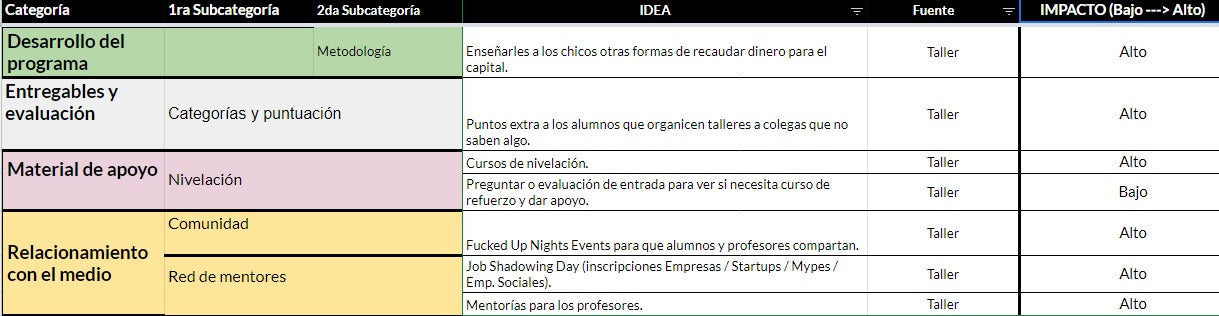
Here we can cite as an example the project we carried out for a client who required the complete redesign of a curriculum. After conducting UX Research, we involved the team in a co-creation session where we applied card sorting. We started by outlining the obstacles and pain points identified in the user journey, and asked each member to propose solutions, writing them on post-it notes.
Then, we grouped all the ideas by theme, and subsequently, all this information was systematized into an Excel spreadsheet, which allowed us to prioritize the ideas by difficulty and expected effect. With all this data, we were able to build a new curriculum that represented an innovation in what that organization was doing until then.
Tools for online or digital card sorting
Finally, we want to suggest some free and paid card sorting tools that will allow you to conduct it remotely.
MIRO
It is a collaborative work platform powered by Artificial Intelligence (AI) that offers a large selection of visual templates to create a research project. For card sorting in this tool, you can use templates for user journeys, mind maps, UX design analysis, etc.
Offers improved analysis with AI-powered insights. It has seven user research tools, and one of them is remote card sorting. Questions can be written in any language and can be asked before or after the study.
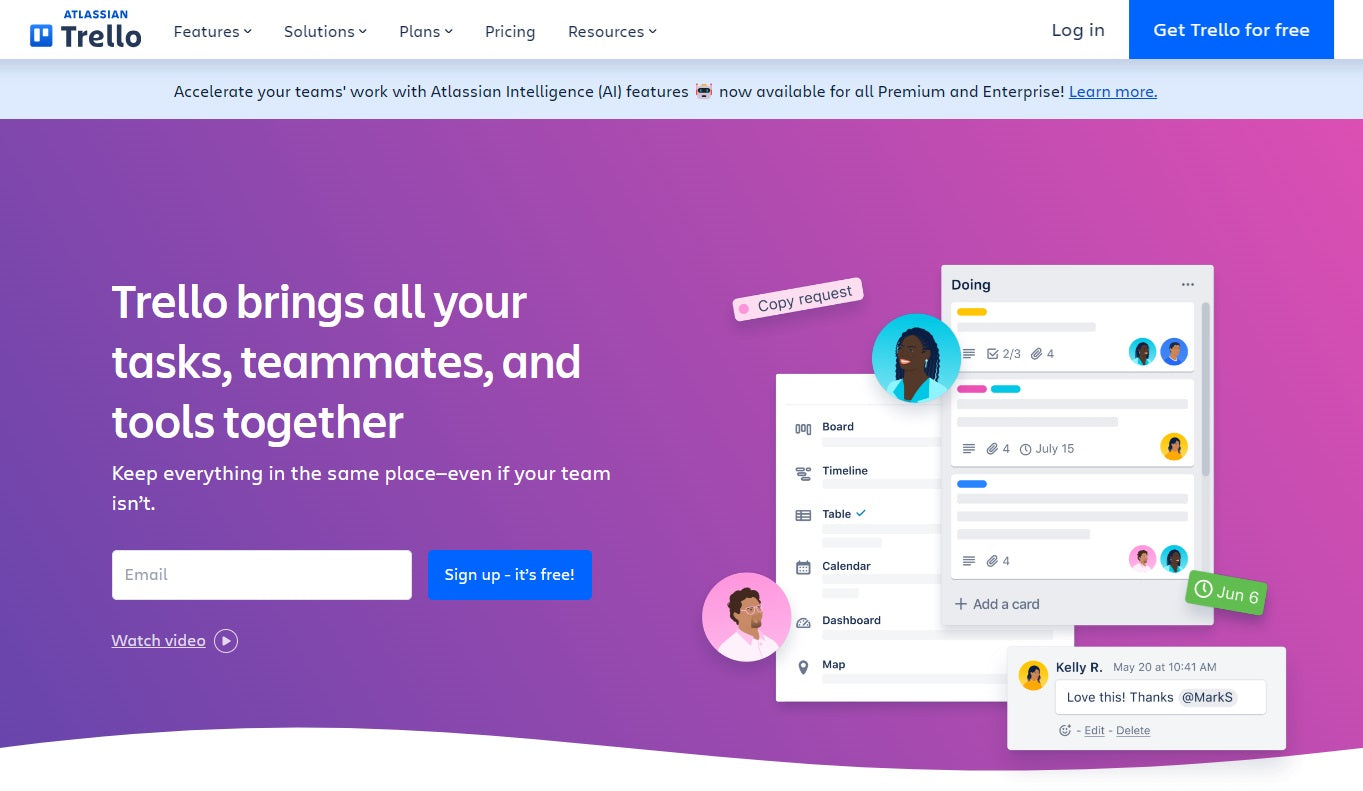
It is an AI-powered tool primarily characterized by organizing tasks and achieving better productivity results. However, due to its features, it can also be used for card sorting because it allows easy configuration of boards, cards, and labels. The platform can be configured in Spanish and other languages.
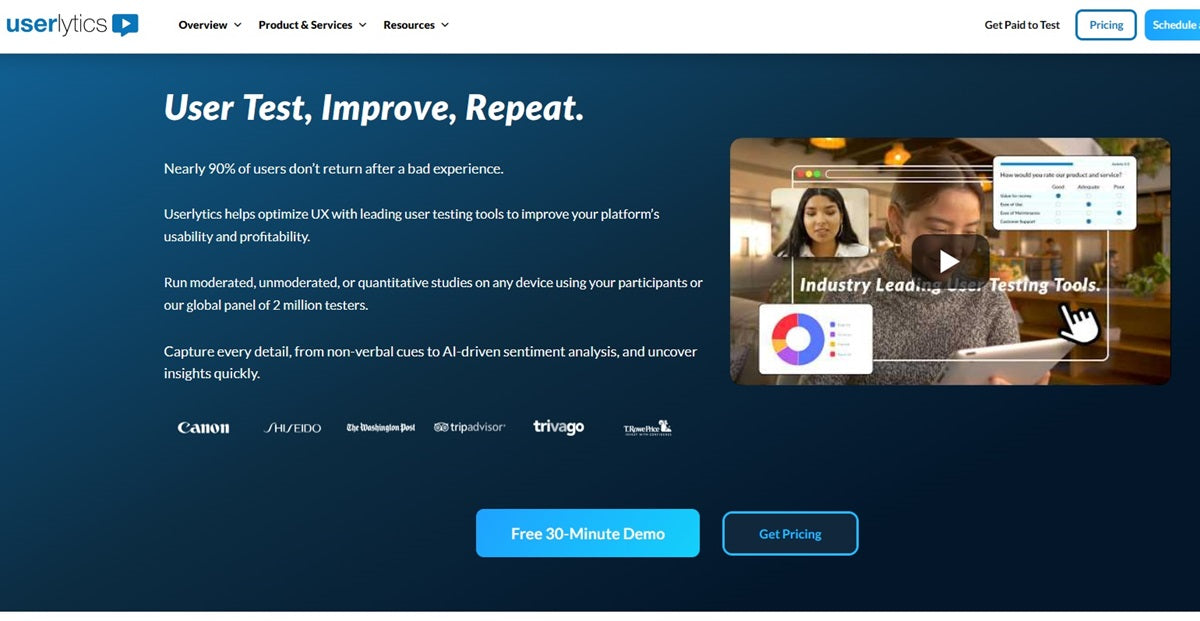
Offers AI-powered analysis, from non-verbal cues to sentiment. It allows remote card sorting with users. With this tool, you can customize and upload different cards (information, products, solutions) depending on the evaluation you want to perform. Tests can be closed or open, and results can be shared with different people. As for the language, it can be configured in Spanish, and the system also supports automatic localization.
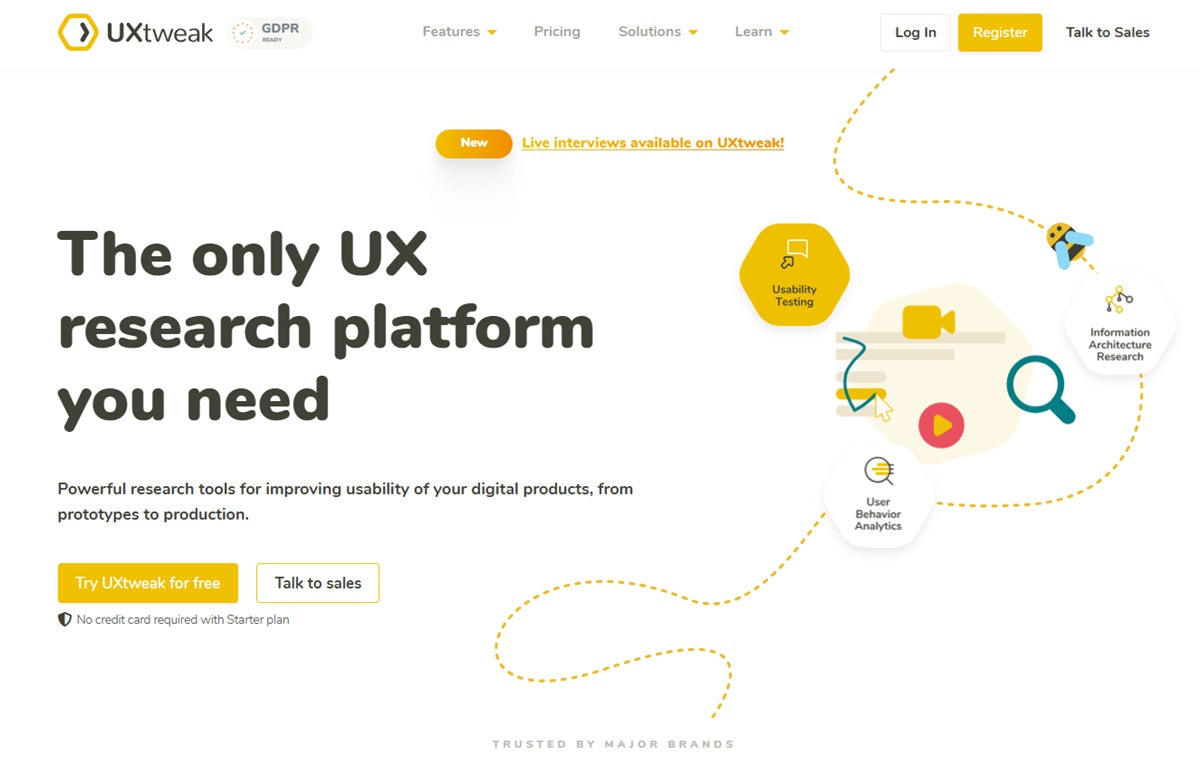
UXTWEAK It is a comprehensive UX research platform that includes a card sorting tool for conducting open, closed, or hybrid studies and offers visual analysis of results, such as dendrograms and similarity matrices.
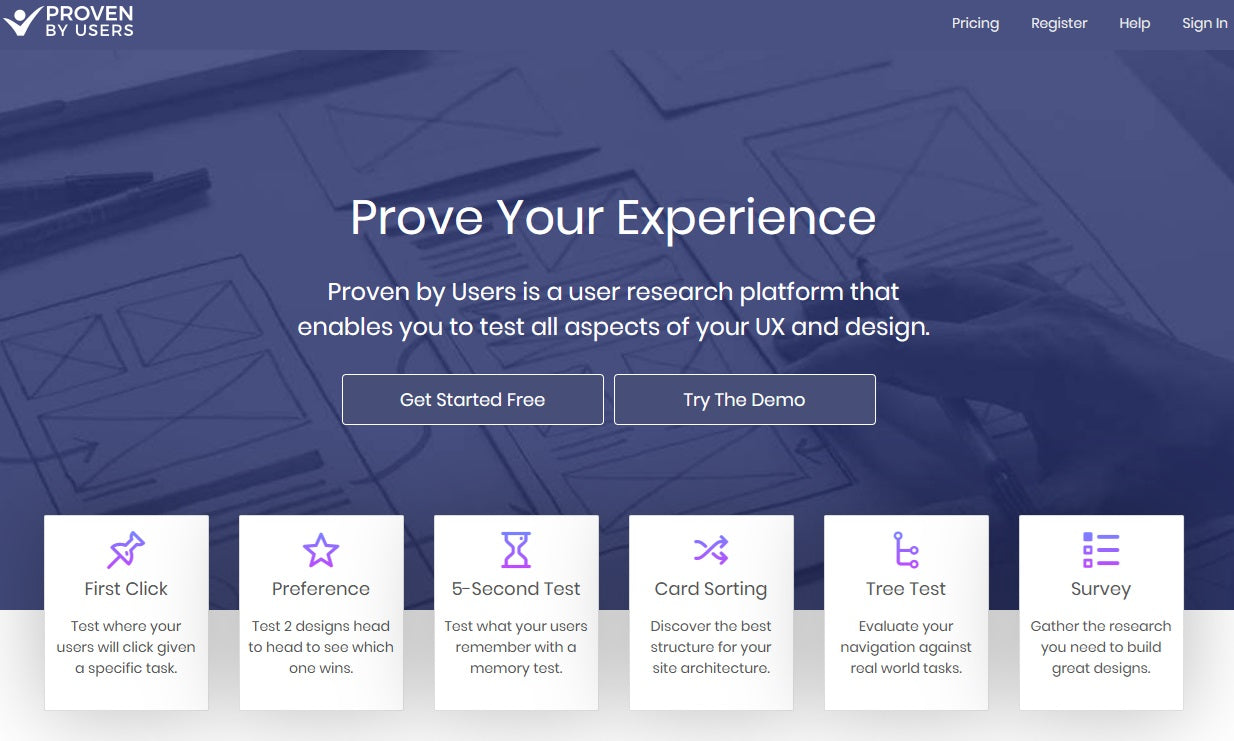
PROVEN BY USERS Among its tools, it has a specific one for online card sorting. It offers visualizations to analyze how users structure information and is ideal for small information architecture studies.
Do you know of more tools for online card sorting? On what occasions do you apply this research technique? Tell us in the comments.
Listen to the podcast
You can download and listen to a summary of the article in podcast format. We produced it with Google's NotebookLM.
Authors: Carmen Gerea, Denise Sánchez and Rafael Baquedano.
References
Bruce Hanington and Bella Martin. (2021). The Pocket Universal Methods of Design, Revised and Expanded: 125 Ways to Research Complex Problems, Develop Innovative Ideas, and Design Effective Solutions. United States: Rockport Publishers Inc.
To run these exercises collaboratively and remotely, at FREED we use digital whiteboards such as Miro, which let you map, cluster and vote with the whole team in real time. (Affiliate link: signing up through it supports FREED at no extra cost to you.)
Share this article
Follow us on YouTube
Nuevas Economías, Research Thinking and FREED AI Studio: conversations and analysis on business, technology and human behavior (in Spanish).
7 usability mistakes you should avoid making on your e-commerce site. Here's how to improve your online business by following basic experience design guidelines.

 By
By