Authors: Denise Sánchez, Carmen Gerea, and Rafael Baquedano.
Article updated on October 4, 2023.
People are using mobile devices more and more frequently every day. Studies indicate that a person can spend between 3 to 5 hours daily on a mobile device, and part of this time is divided among the use of different types of applications: social, entertainment, shopping, health, sports, work, among others.
A mobile application or an app by definition is a computer program that runs on smartphones, tablets, or other mobile devices. Its main challenge is to provide simple, easily accessible, personalized, and seamless experiences.
Meeting these expectations is not simple, and it is very important that the development of an application considers stages and processes aimed at guaranteeing such an experience. In this sense, mobile application testing represents key processes for finding design or functionality flaws in a product.
In the context of a mobile application, an inconsistency or error can cost us bad ratings in an app store or simply an abandonment of the app. For this reason, it must be tested in its entire context of use and operating framework through:
- functional analysis,
- security tests,
- mobility tests,
- interface tests,
- accessibility tests, and
- usability tests.
In this article, we will address the topic of
mobile application usability tests.
<p>
Before delving deeper, it is worth noting that a common problem we see in digital teams of startups or large companies is the confusion regarding the relevance of a type of test according to research objectives. For example, it is very common to conduct usability tests and draw incorrect conclusions about the validation of an app's adoption willingness or commercial validation (willingness to pay). Be careful, a successful usability test is not synonymous with either of the other two types of validation (adoption willingness or willingness to pay).
When conducting usability tests for mobile applications, you should consider the following aspects, which are usually the same or very similar when testing any other information system (website, e-commerce store):
This should go hand in hand with your project objectives:
- What are you trying to test?
- Who will you test with? Defining recruitment criteria is essential.
Example of testing criteria for mobile banking apps:
- They should be digital banking users, meaning they primarily conduct transactions via the web or mobile devices.
- They should have a checking account at one of the banks studied.
- They should be located in the city of Santiago, to facilitate coordination for in-person interviews.
- They should not work in a bank, to ensure the neutrality of their responses and prevent them from wanting to "make a bank look good."
- They should also not work for one of the agencies that developed the banks' mobile applications, for the same reason, to ensure the neutrality of their responses and prevent them from wanting to "make a bank look good."
- They should be over 18 years old.
Other variables to consider:
- How will you recruit users?
- Where will you conduct the testing? Will it be remote, in-person, guerrilla-style, or will they be longer sessions that might eventually include initial and closing questions?
- How will you reward users for their effort? Typically, at FREED, we consider gift cards for everyone. It's a way to thank them for their time. Very rarely, and at the client's request, they take care of corporate gifts.
-
Do you need a tool to execute the tests? It is important to analyze whether a tool is required for testing and evaluate the alternatives. Then you must understand how the platform works and validate if it will provide the data you are looking for from users.
- What is the testing plan? Conducting user testing requires planning dates, materials, budget, among other elements that must be established from the beginning.
If you've made it this far in the article, it's likely that you indeed want to test how easy it is for a user to perform different tasks through an app. If so, what you need is to design a testing protocol and a guide.
Example of a testing protocol:
a. Develop a testing script that includes context, acknowledgments, signing a confidentiality agreement or informed consent, and questions about the research topic.
b. Design a guide of usability questions and tasks related to the study objectives and what you seek to validate.
c. Test the mobile application and/or mobile site based on a list of questions and tasks. The recommendation is to test in early stages when the product is still in prototype phase.
d. After the test, users will answer an evaluation questionnaire in a standard format. An example is the System Usability Scale (SUS), a 10-question closed-ended questionnaire whose answers are ratings from 1 to 5 (on a Likert scale). There are also questionnaires that measure cognitive load or the experience (UX) with the task, among others.
e. In addition, they will be asked about their recent experience. For example, assuming we are testing a bank's app, if the user had not previously used mobile banking, they will be asked if they would continue using it and why.
f. Finally, there may be final questions such as a sociodemographic survey.
g. Acknowledgment and closing.
It is worth noting at this point that if you ask in-depth questions, it is possible to better understand the user profiles of the application and, eventually, design the
User Personas or user archetypes, as we did in the Mobile Banking in Chile study.
This point depends on the study design and basically involves carrying out what was designed, following the protocol and the guide. We recommend testing the protocol and the guide before applying them to the study group.
This can mean:
- Identifying the main problems and prioritizing them according to their criticality level.
- Systematizing the evaluation results (the final quantitative aspects or scores).
- Supplementing with data from other sources (web analytics, transactional data).
- Write the final report.
- Recommend the next steps, either aiming for continuous improvement or redesigning the app. These are the most common paths.
- If the identified problems are within an acceptable range, it is more likely that the best way forward is continuous improvement.
- Whereas if there are many problems, the breaking points are critical, and the team considers that it is not feasible to carry out a continuous improvement process within a reasonable time, it is most likely that redesigning is the logical choice.
To conduct usability tests on mobile applications remotely, there are alternatives that offer services for testing prototypes, voice tests, customer journeys, etc. Their main advantages are time savings in recruiting participants, reach, and access to quick information such as transcripts, reports, insights, among other necessary data that allow UX teams to focus primarily on the product and user experience.
In general, these tools have a monthly or annual cost, and if you are an independent consultant, we recommend estimating how much mobile testing you do. If you work in an agency, consulting firm, or a usability/UX lab of a large company, the costs are totally accessible.
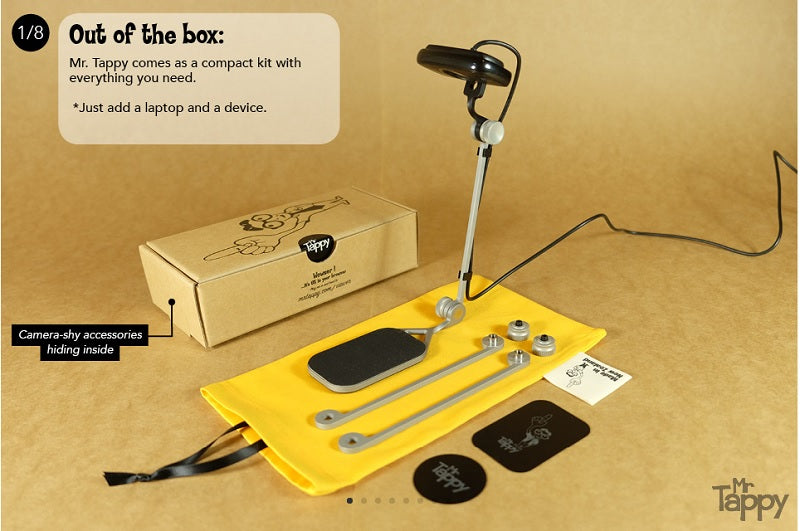
Some time ago, we acquired Mr. Tappy for mobile testing. It's a device that allows you to view the user's screen with a camera connected to a computer. The experience with Mr. Tappy has been excellent, but honestly, we found that for guerrilla-style testing, it's quite complex to carry out as it requires a usability lab-like setup, which is not always available. Still, if you have a physical space to invite users, it's a device we recommend.
Website: https://www.mrtappy.com/
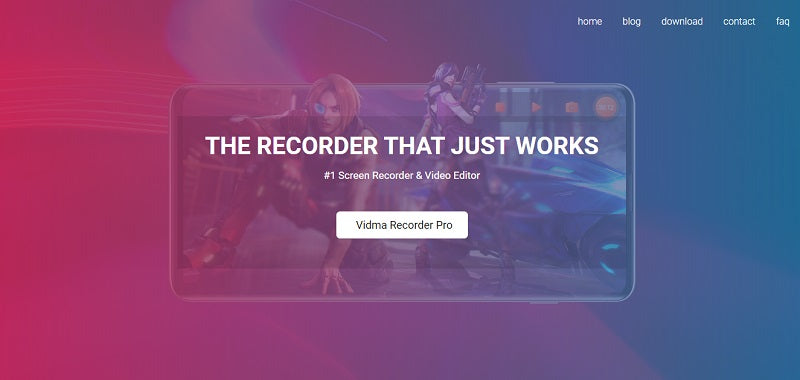
Another way to conduct mobile usability tests is by using screen recording applications. There are countless options on the market. We really like Vidma Recorder, and it's a free application.
Website: https://recorder.vidma.com/
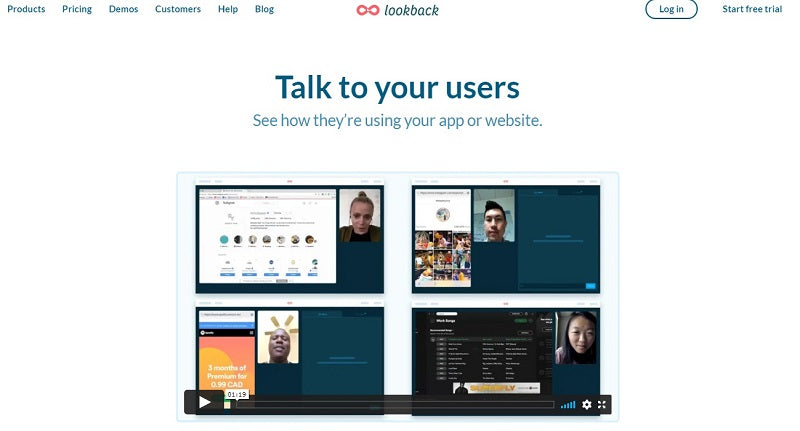
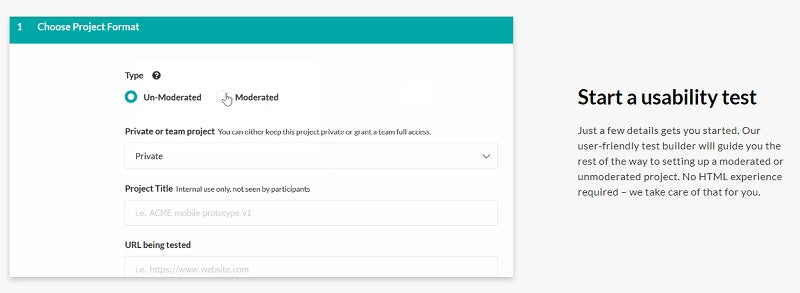
LookBack is a tool that allows for in-person, remote moderated, or pre-configured tests for users. It enables testing prototypes designed in tools like inVision, testing mobile applications or websites, and it's possible to share tests with the evaluation team for collaborative analysis.
Website: https://lookback.io/
Loop11 is an online platform that allows you to configure tasks and questions for users according to the research objectives. Tests are recorded in videos and audio, which allows you to see and hear real user experiences. It offers two types of services: one where a moderator asks users questions, and another where users perform tasks according to the testing configuration.
Website: https://www.loop11.com/
Testapic is a tool that allows user testing related to the ergonomics of a mobile application. Its value lies in its reach to users (testers) for remote interface testing, with over 30 criteria, and it can provide videos and commented texts from users. The service also offers quantitative data regarding user experience with mobile applications (iOS / Android), websites, or tablets.
Website: https://www.testapic.com/
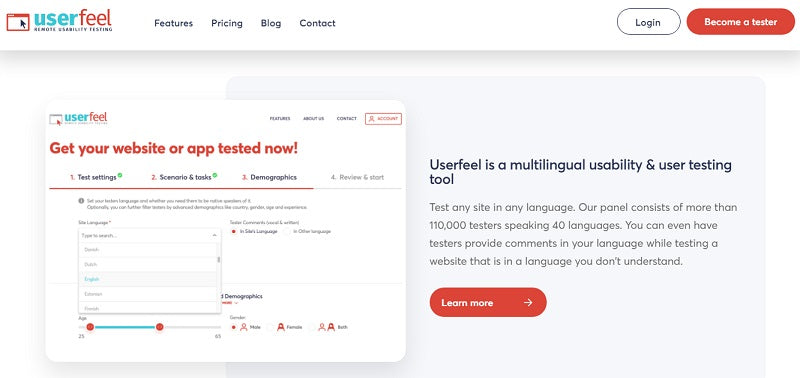
Userfeel allows for moderated and unmoderated user testing in all languages and on any device. Tests can be conducted with Userfeel's own application or with an external camera, and it's possible to evaluate websites or applications on Android, iPhone, or iPad. Regarding the results of user tests, the platform allows for quickly creating a video with the most critical problems.
Website: https://www.userfeel.com/
UserLytics offers a user testing service for mobile applications that allows testing prototypes, competitor assets, the customer journey, and the user interface and experience. They have a user testing platform, and their focus is on conducting small tests at each stage of the design process.
Website: http://www.userlytics.com/
UserTesting offers a "mobile testing" solution that allows user testing and gathering feedback on a mobile experience. It's possible to test mobile prototypes, in-store applications, and, through mobile device cameras, test AR/VR experiences, voice devices, tests at home or outdoors.
Website: https://www.usertesting.com/
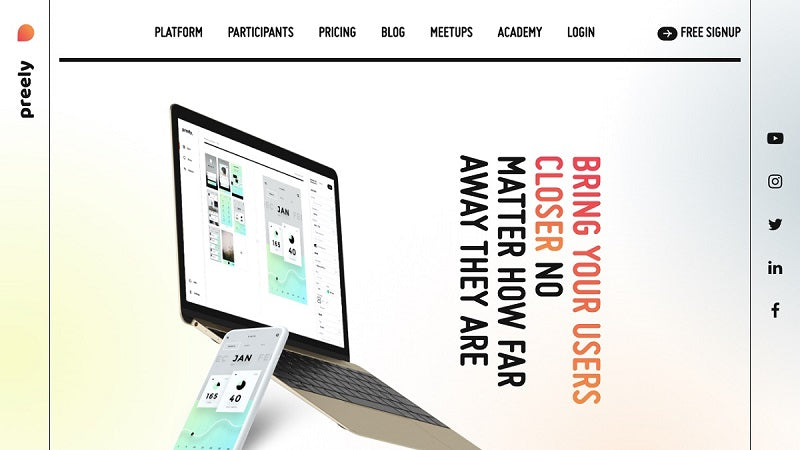
Preely is a platform that allows for remote and unmoderated usability testing. It's possible to configure a test with questions and/or tasks. It integrates via a link with Figma, Sketch, inVision, Adobe XD, and also allows for creating interactive prototypes. Additionally, it features a metrics panel that provides data, for example, on success rate, task time, clicks, and heatmaps.
Website: https://preely.com
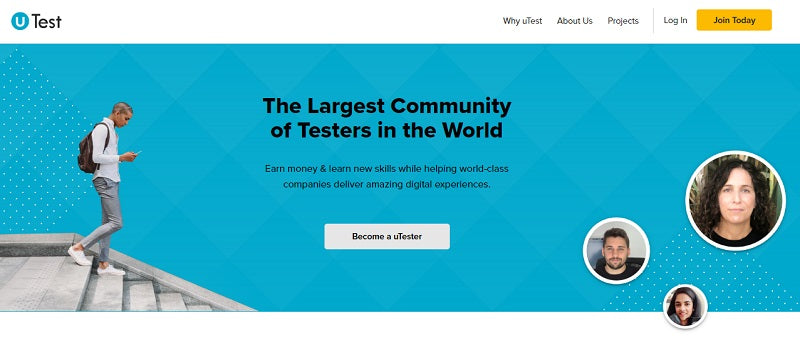
Utest is a community that helps companies test software independently and worldwide. People who join this community of testers have the opportunity to earn money independently and also connect with experts.
Website: https://www.utest.com/
Usability testing should be addressed early and continue at each iteration stage of a product. If you cannot afford one of these tools, conduct user tests traditionally, meaning you can gather prospects and design testing sessions to test your prototypes, interfaces, etc.
Consider that beyond the tools you will use, which can be very high-level or simple, the fundamental aspects are:
- clearly understanding why you are testing; what you want to investigate,
- who your target user is and how you will recruit users,
- how you will systematize the learnings,
- how you will communicate the results, and
- how you will use the results for continuous improvement or redesign.
As we mentioned earlier, through your user tests, you can delve deeper to identify the customer profiles that will interact with the brand through the mobile application. That is, you can develop a UX Research project like those we carry out at FREED, to get closer to people and thus obtain data to design Buyer Personas and map their Journeys with the product and the brand, with the ultimate goal of designing better experiences.
If you know of more tools for mobile application testing, tell us if you would recommend them and comment on your experiences conducting these types of tests.
1- Canva.com
Others: FREED.