Indexing a page in Google to make your content discoverable by people is one of the most important tasks in any organic SEO strategy. Keep in mind that new web pages are constantly being published on the internet, and indexing is one of the main actions search engines perform to classify them.
Google's robots (or spiders) crawl new web pages and their content, register them in their databases, and then rank them according to user queries.
This means that if your pages and content are indexed by a search engine, they will appear in its search results. And if they rank in the top positions, the chances of attracting potential readers and/or customers increase.
The position you achieve after indexing a page in Google will depend on your SEO strategy and whether the content is original and of high quality. Furthermore, user experience (UX) is very important to Google, as keeping people browsing your pages will be positively evaluated.
Can I help with web page indexing?
You now know what indexing is and why it's important for organic ranking. Perhaps you're now wondering what to do to get your web pages registered by search engines. Here are some actions you can start working on:
1. Create a Sitemap
This is a document that contains all the addresses of a website's pages, from which we can choose which ones we want to index in search engines. It also specifies the date and frequency of content updates.
You can consult Google's guide on Creating and submitting a sitemap.
2. Use Robots.txt
This is a text file that should be located in the root of the website's domain. It's used to tell Google bots which pages to read and which not to. This way, we can guide the crawling process to index only what we want to rank.
You can also review this Google guide on How to write and submit a robots.txt file.
3. Update your content
Bots don't just check your content once; they will revisit your website every time you upload something new or update what has already been indexed. That's why it's important to work on your website regularly, as Google will give you a better position in its index over time.
4. Do link building
Link building is a strategy that helps generate relationships or links with other websites or blogs to publish links to your website's pages (backlinks). There are two purposes:
- Gain authority with Google because its robots detect that other websites are talking about your page, facilitating its indexing.
- The link appears on pages of other websites that have already been indexed, which also helps your page get indexed.
5. Work on internal links
These are the links that exist between different pages of your website. Why is this important? Because Google's robots, when they detect a website, travel between its links and analyze them looking for relevant content. So, here too there are two purposes:
- Internal links are a factor in evaluating content quality, which is a priority for Google.
- If your website already has indexed pages, the existence of links to new pages will facilitate the indexing of the latter.
Internal links include those in the main menu, footer, call-to-action buttons, widgets, and banners (images with links), as well as links located within the text of the pages.
Can I check the indexing of my web pages?
Checking the indexing of your web pages should be one of the tasks in your SEO strategy, and there are two ways to do it:
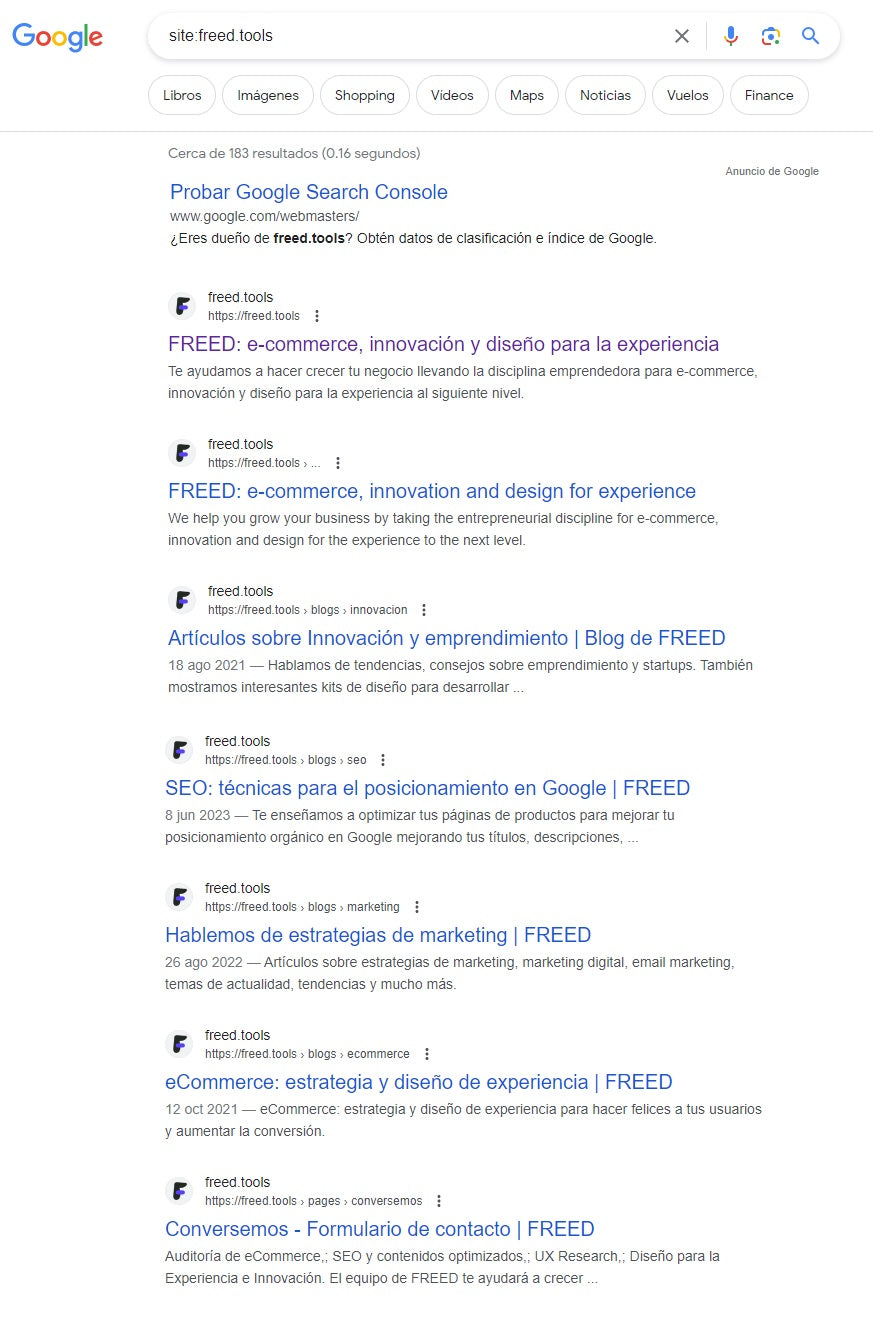
1. Use the "site" command in Google
This is used to check which pages of a website Google has indexed. To do this, you need to type "Site:yourdomain" in the search bar.
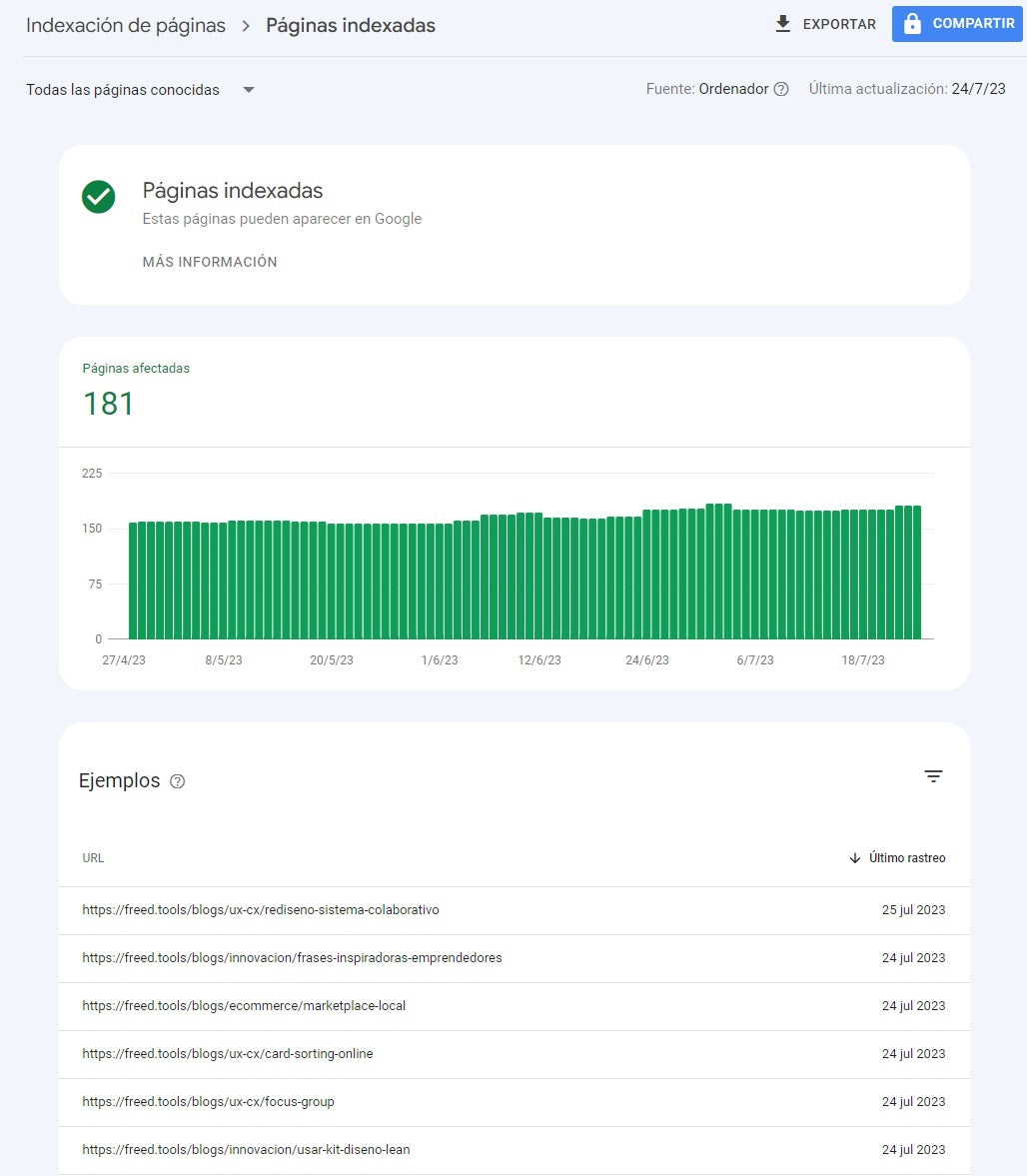
2. Use Google Search Console
This is a free Google tool that, among other important functions, allows you to observe the indexing level of your website. To do this, you need to review the coverage report provided by Google Search Console.
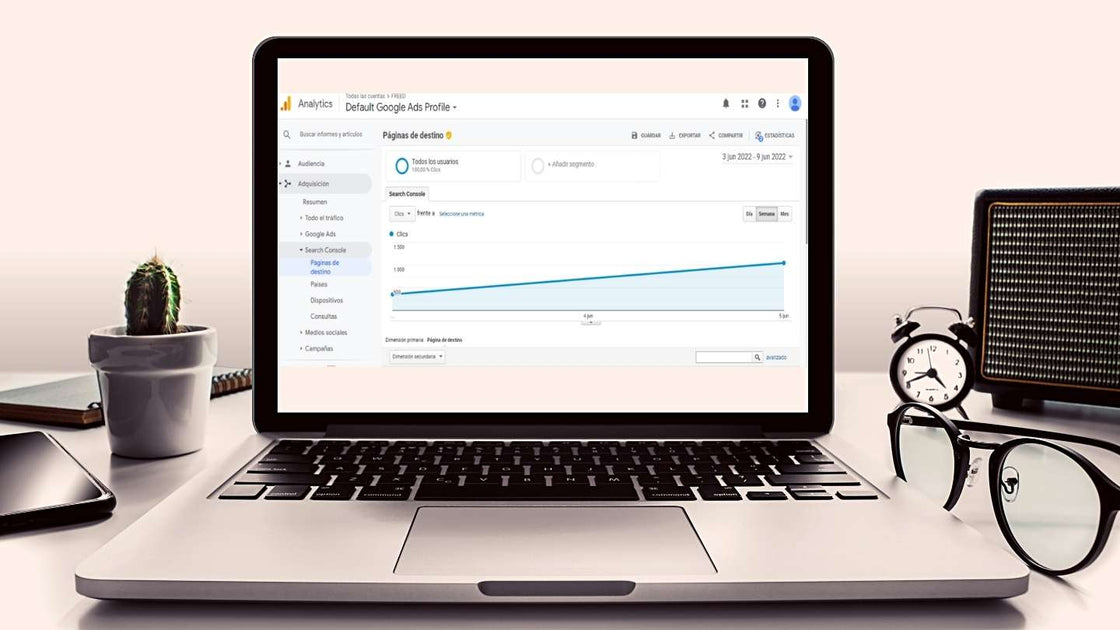
To work with this tool, we recommend connecting it to your Google Analytics account from the first days of your website's life.
How to index a page in Google?
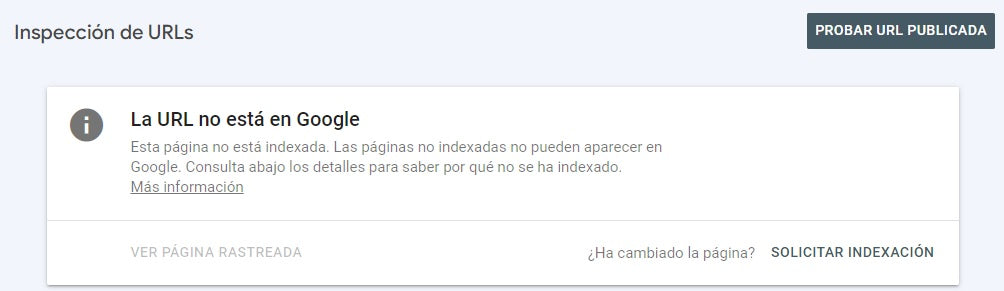
The key here again is Google Search Console. If you detect that there are pages that have not been indexed, you can request that the URLs be added to Google's review list.
First, you must verify that the URL is published and then request indexing.
Errors that hinder web page indexing
1. There are programming languages that Google does not crawl and, therefore, cannot index: for example, Flash or Ajax.
2. The same applies to HTML Iframes tags (or frames) used to embed content on a page. This content cannot be read by Google.
3. If there are pages within a website that have neither internal nor external links and are not included in the sitemap, they also cannot be crawled and indexed.
4. A complex web architecture, with a lot of content and poorly planned, could lead to difficulties in understanding for crawling.
5. If a web page redirects to another or generates error codes, it could affect both indexing a page in Google and its subsequent ranking in search results.
6. Common redirects and errors that can be found:
- 301: URL permanently moved.
- 302: page temporarily located at another URL. If it remains this way for an extended period, Google will interpret it as a 301 redirect.
- 307: temporary redirect, the original URL is not found and redirects to a different resource. This could happen when migrating from http to https.
- 404: URL not found.
- 410: the page is unavailable because it has been deleted.
- 500 errors: these are server inability to respond errors. If it persists for a long time, Google will de-index all affected content.
- Successfully indexing a page in Google is essential for it to be visible when a search is performed.
- Remember that linking Google Analytics and Google Search Console is the first step, after creating your website, to understand the level of indexing, errors, and progress.

 By
By