Do you want your business to appear in the top Google search results? To achieve this, you need to strategically position an e-commerce website. And with free Google tools, you have the possibility to achieve this goal, but which ones are they? And what are they for?
With these tools, you can research the keywords people use to search online, as well as monitor your website's performance and manage your business's online presence.
With this tool, you will get reports that will allow you to identify indexing errors on your website, meaning the improvements you can make to favor your position in Google's results.
What does it mean to index? Google works with robots (or bots) that crawl and analyze the content uploaded to the internet. This means everything you upload will be found to be registered in Google's databases and then classified to position it in the platform's searches.
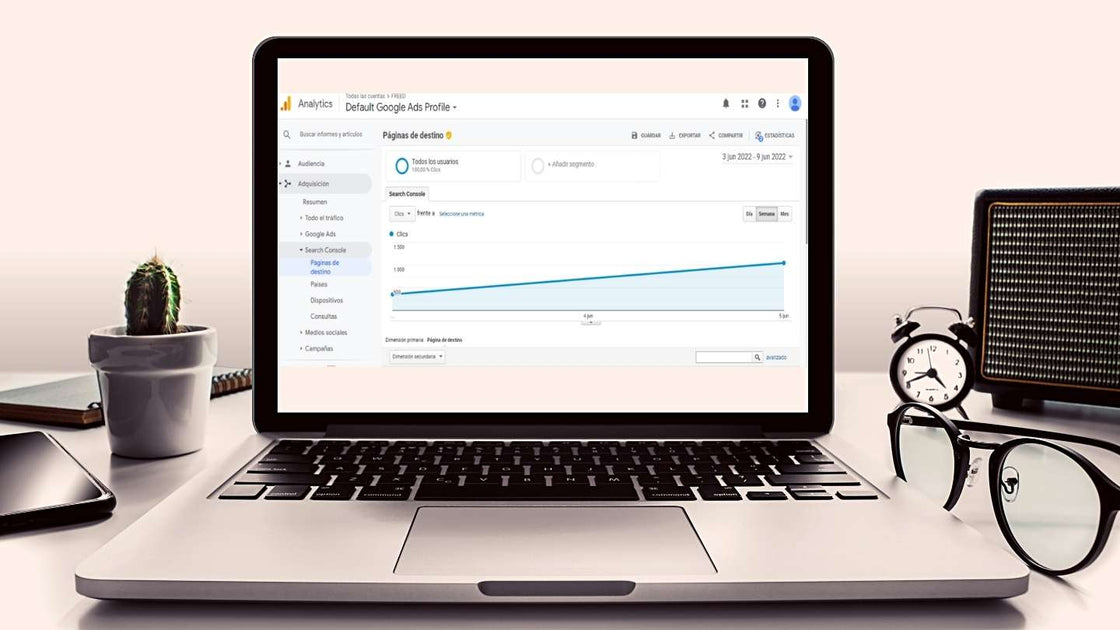
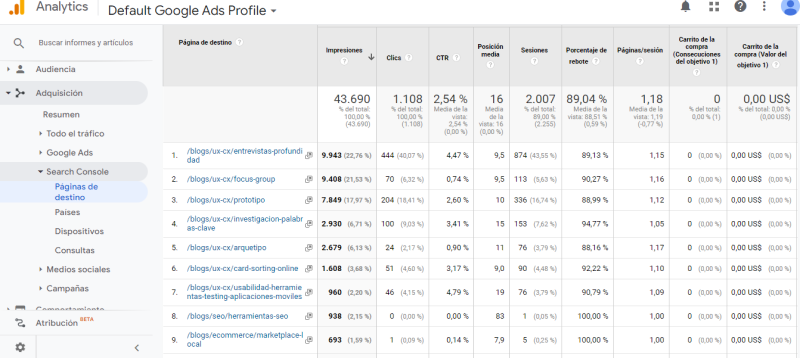
Additionally, you will be able to visualize your site's performance by measuring the number of times you appear on search results pages (impressions) compared to the number of times users clicked on your site's link (clicks).
Website: https://search.google.com/search-console/about
It is ideal to configure it from the first day your website is live, with the aim of capturing all the data that will allow you to know its performance and identify the results produced by improvements made over time.
It provides data about users and their searches related to your content, which pages of your website get more and less traffic, as well as whether this traffic is due to SEO, SEM, mailing, social media, or other digital marketing techniques.
Ideally, you should associate GA with GSC to complement the data provided by both Google tools. To do this, you must configure both and link them.
Website: https://analytics.google.com/analytics/web/
This is a complement to the Google ADS tool, a service for running paid campaigns (SEM).
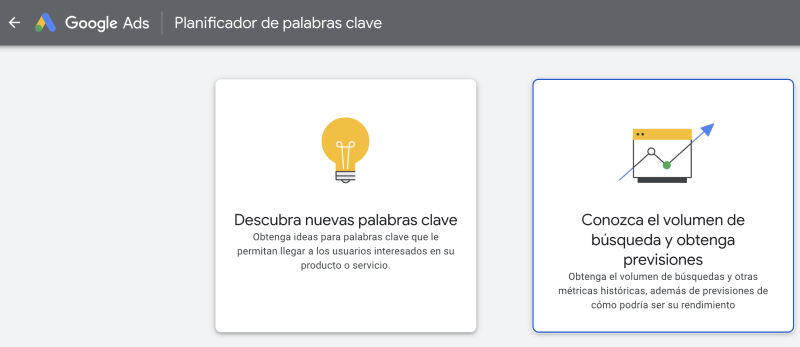
However, to use the keyword planner, it is not necessary to run a paid campaign; you only need to have an account created in Google Ads.
This planner will help you find keywords related to your business and observe both the search volume and the competition of these terms to position a website on Google.
It has its limitations in providing organic positioning (SEO) data, but it serves as a starting point for your business and can then be complemented with other keyword analysis tools.
Website: https://ads.google.com/intl/es-419_cl/home/tools/keyword-planner/
4. Google PageSpeed Insights
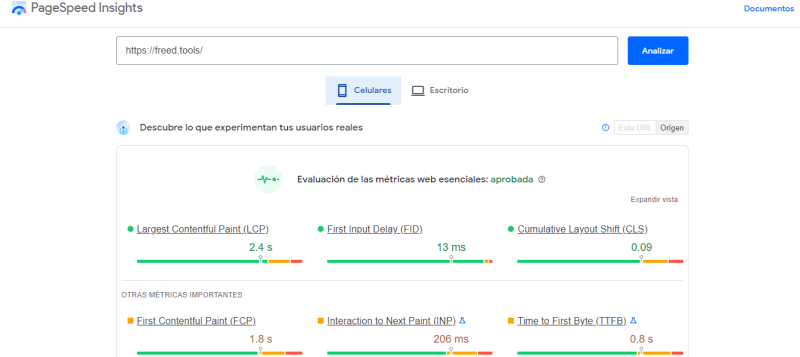
This is another free tool that offers to review your website's performance. You need to enter your site's link, and it rates it based on how long it takes to load for visitors. Then it gives you recommendations to optimize loading, as it is advised that this time should not exceed two seconds.
This time is important because users expect adequate speed to navigate as quickly as possible, but also because Google considers it when positioning a website in the search engine.
To use it best, you should periodically check each of your site's pages with this tool and adjust the weight of images, videos, resources, or any other detail it suggests. It serves to verify the loading speed of a website on mobile and desktop devices.
Website: https://pagespeed.web.dev/
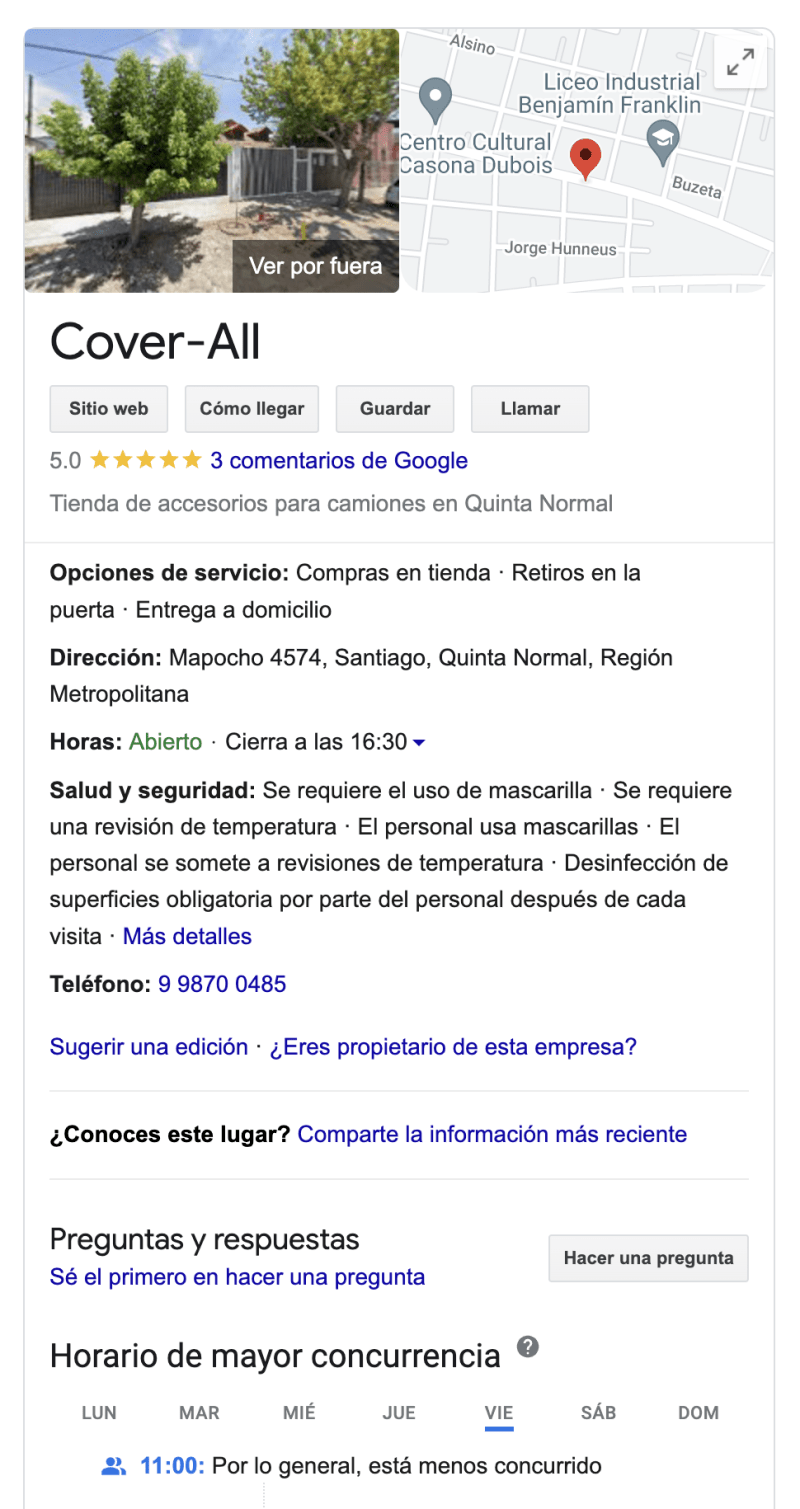
This tool facilitates the online visibility of your business, allowing potential customers to directly access your address, phone number, opening hours, website, and even reviews and recommendations from other customers directly from the Google search engine.
Additionally, it provides reports on the tool's performance, where you can review where your site's traffic comes from.
Website: https://www.google.com/intl/es-419_cl/business/
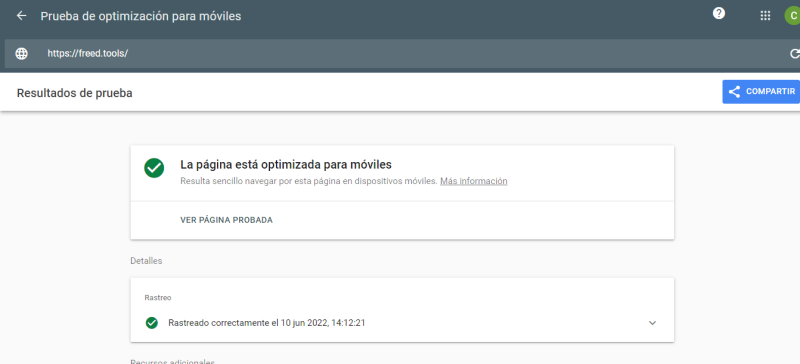
More and more users are using their mobile phones to search on Google, surpassing the number of searches made through computers. That's why it's important to conduct mobile testing on our sites.
This complement to Google Search Console is a starting point to verify that your website is easy to navigate from a mobile device. To do this, you must enter the links of your site's pages for them to be reviewed and for it to suggest optimization changes.
Website: https://search.google.com/test/mobile-friendly
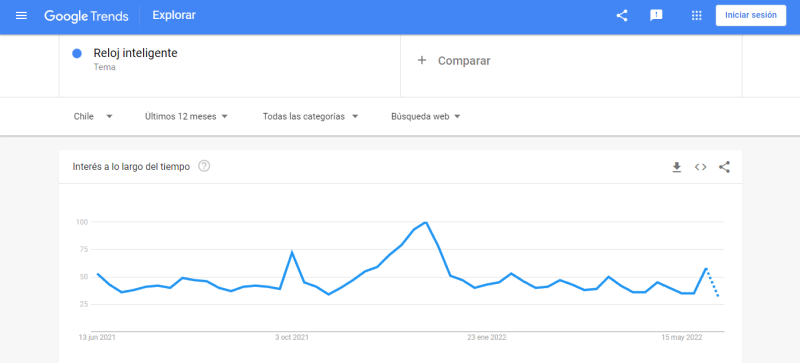
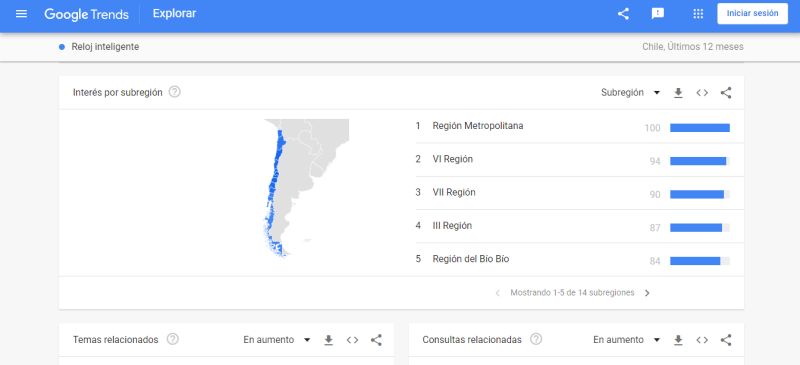
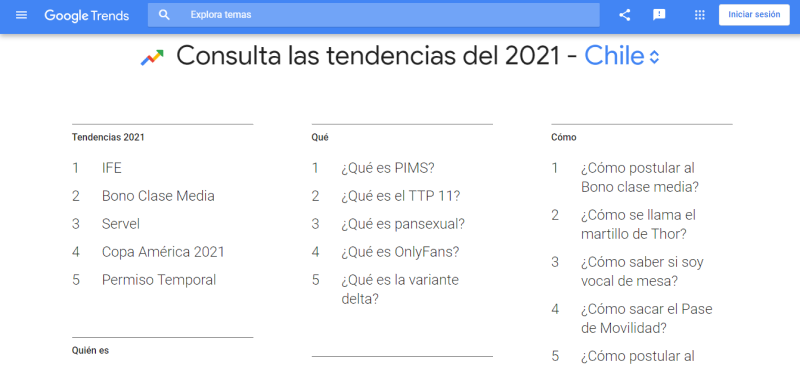
It is used to observe the most performed searches, both local and global. It has a search engine where you can type terms or search topics of your interest to show you statistics about them. Below, it suggests more related terms or queries.
Website: https://trends.google.es/trends
Article by Camila Oliva.

 By
By